


From joining to reward
Channel loyalty program features in one work screen
Your own team runs every step.
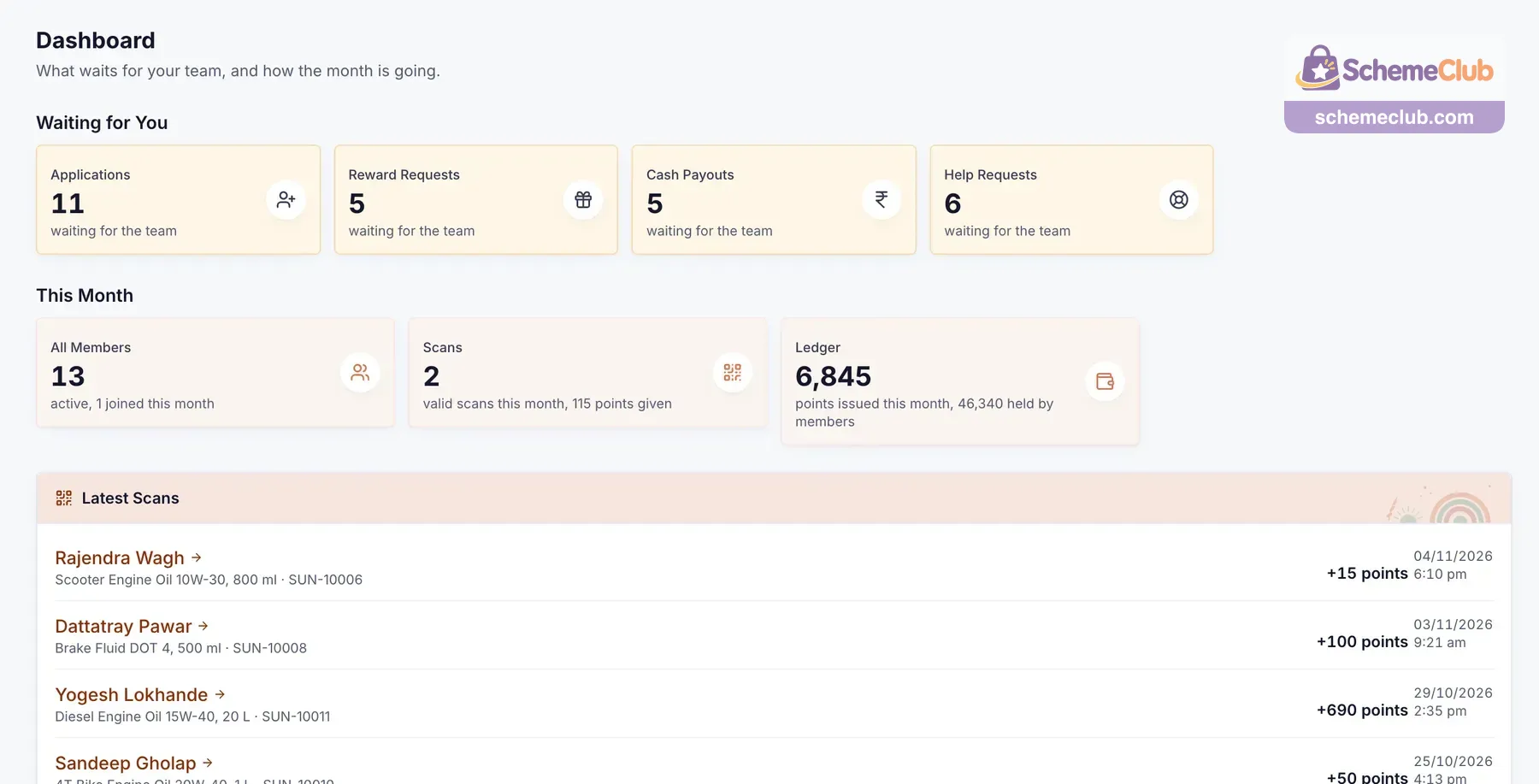
Channel loyalty program features on one dashboard
See the applications, requests and payouts that wait for your team.
Joining features
Every program starts with your members. They are your shops, workers or any member types that you name. Your team decides who comes in and checks the documents that you ask for.
Member Joining
Members apply by your link or QR code, and your team approves. Or your team adds them. Read about Member Joining.
KYC Checks
Ask for PAN, Aadhaar or bank proof, then verify or reject each one. Read about KYC Checks.
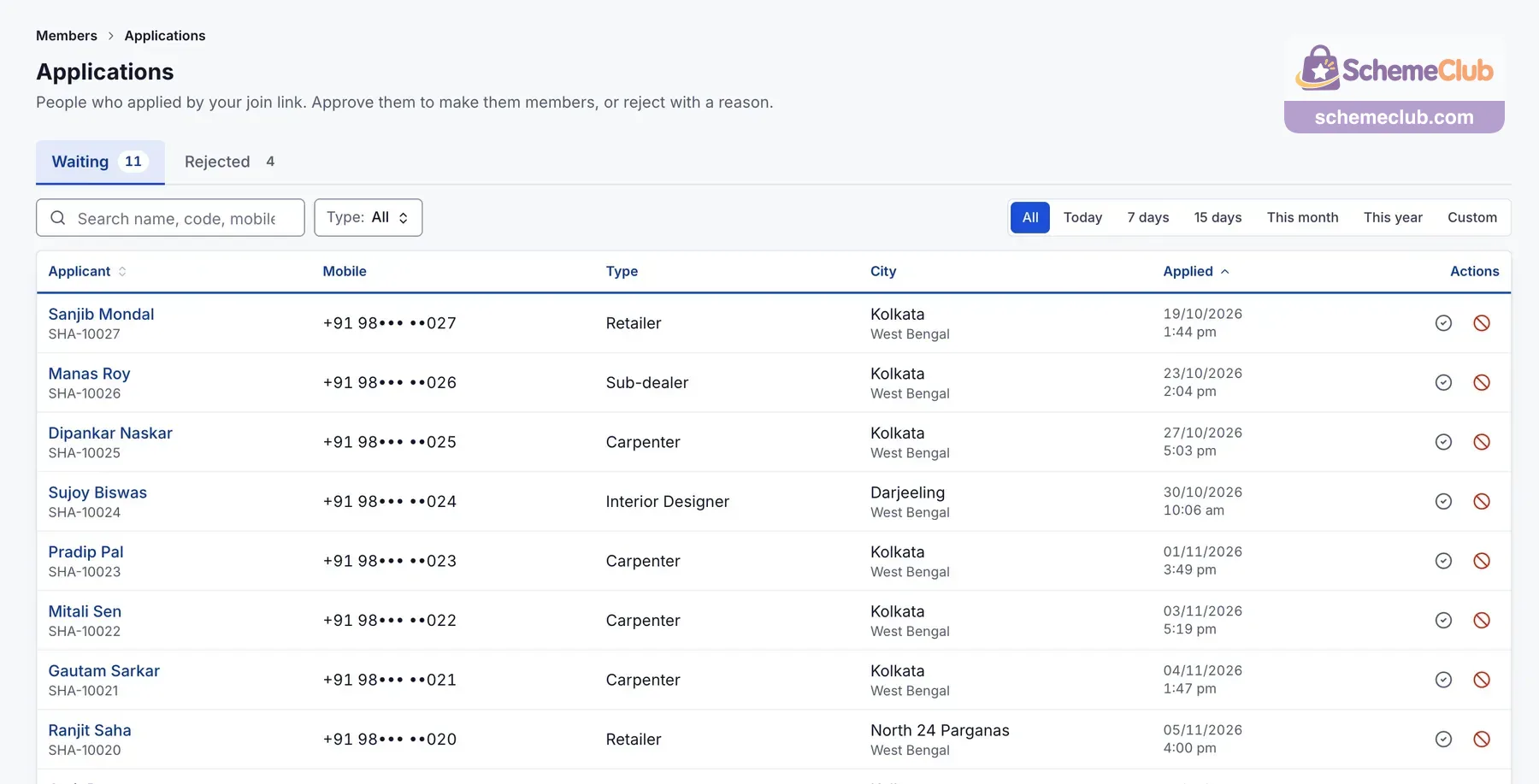
Loyalty member registration, waiting for you
People who asked to join, with their type and city.
Earning features
Members can earn points in more than one way. QR codes and product points come with every program. Cash on a scan, bill claims, recorded sales and offers are extra.
QR Codes
Make a code for each pack, print the codes and see every scan. Read about QR Codes.
QR Cashback
Extra feature. A scan can give a fixed cash amount, with or without points. Read about QR Cashback.
Scratch Cards
Extra feature. Each code hides a points prize that shows after the scan. Read about Scratch Cards.
Company Codes
Extra feature. Use the codes that your company already prints on packs. Read about Company Codes.
Product Points
Set how many points each product gives to each member type. Read about Product Points.
Schemes
Extra feature. Give extra points for some days, with a budget and limits. Read about Schemes.
Scan Streaks
Part of Schemes. Extra points for members who scan often. Read about Scan Streaks.
Invoice Claims
Extra feature. Members send a photo of a bill, and your team checks it. Read about Invoice Claims.
Purchase Entry
Extra feature. Your team enters sales or uploads them from a sheet. Read about Purchase Entry.
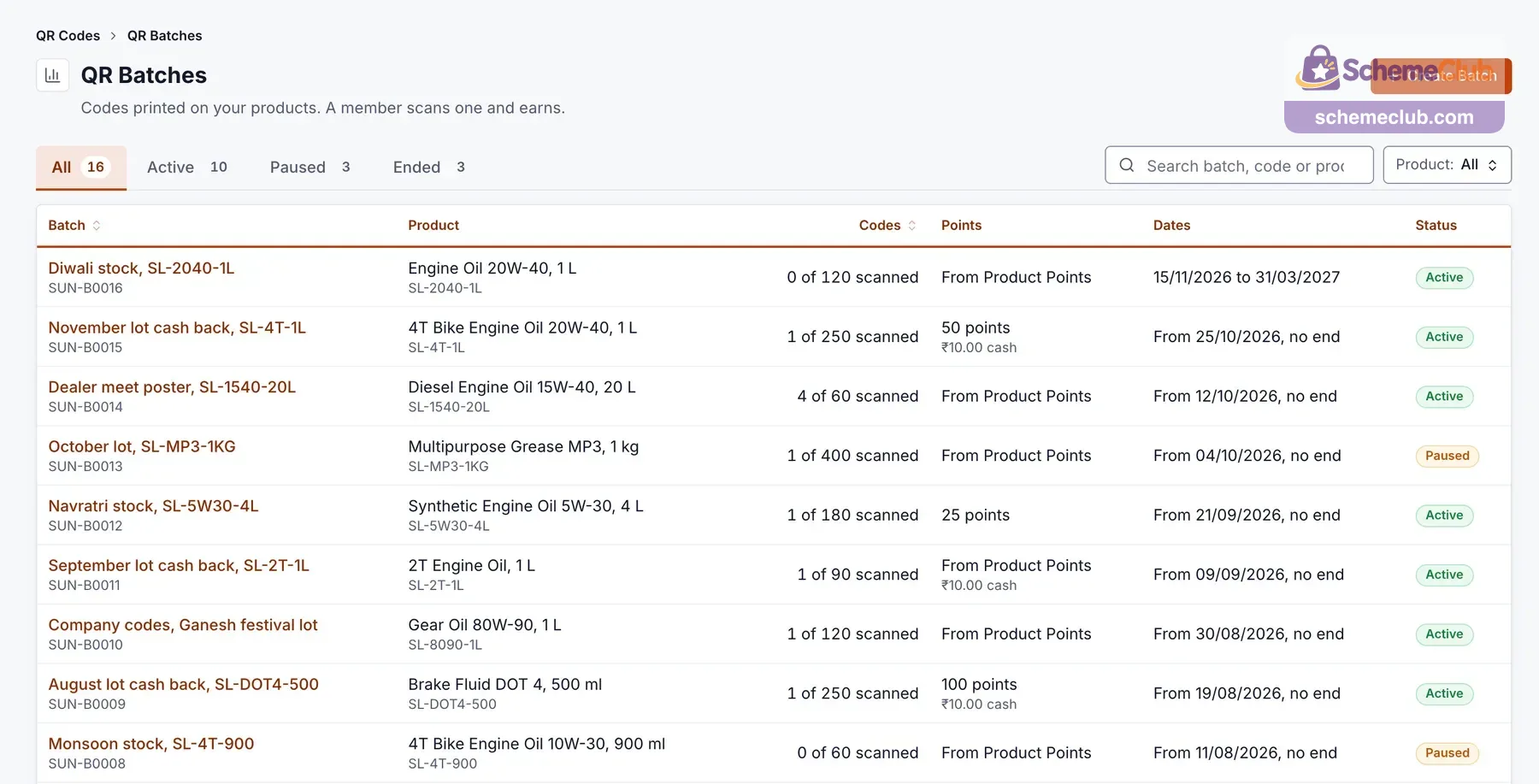
QR code loyalty software that shows every scan
Each batch with its codes scanned, points and status.
Growing features
These are for the next step. Reward your regular members, give the shop behind a painter a share, and let salesmen add new members.
Member Levels
Extra feature. Levels from the points a member earned in the last 12 months. Read about Member Levels.
Upline Rewards
Extra feature. A member's one upline gets a share of their scan points. It needs Schemes. Read about Upline Rewards.
Field Team
Extra feature. Salesmen see and add members in their own cities. Read about Field Team.
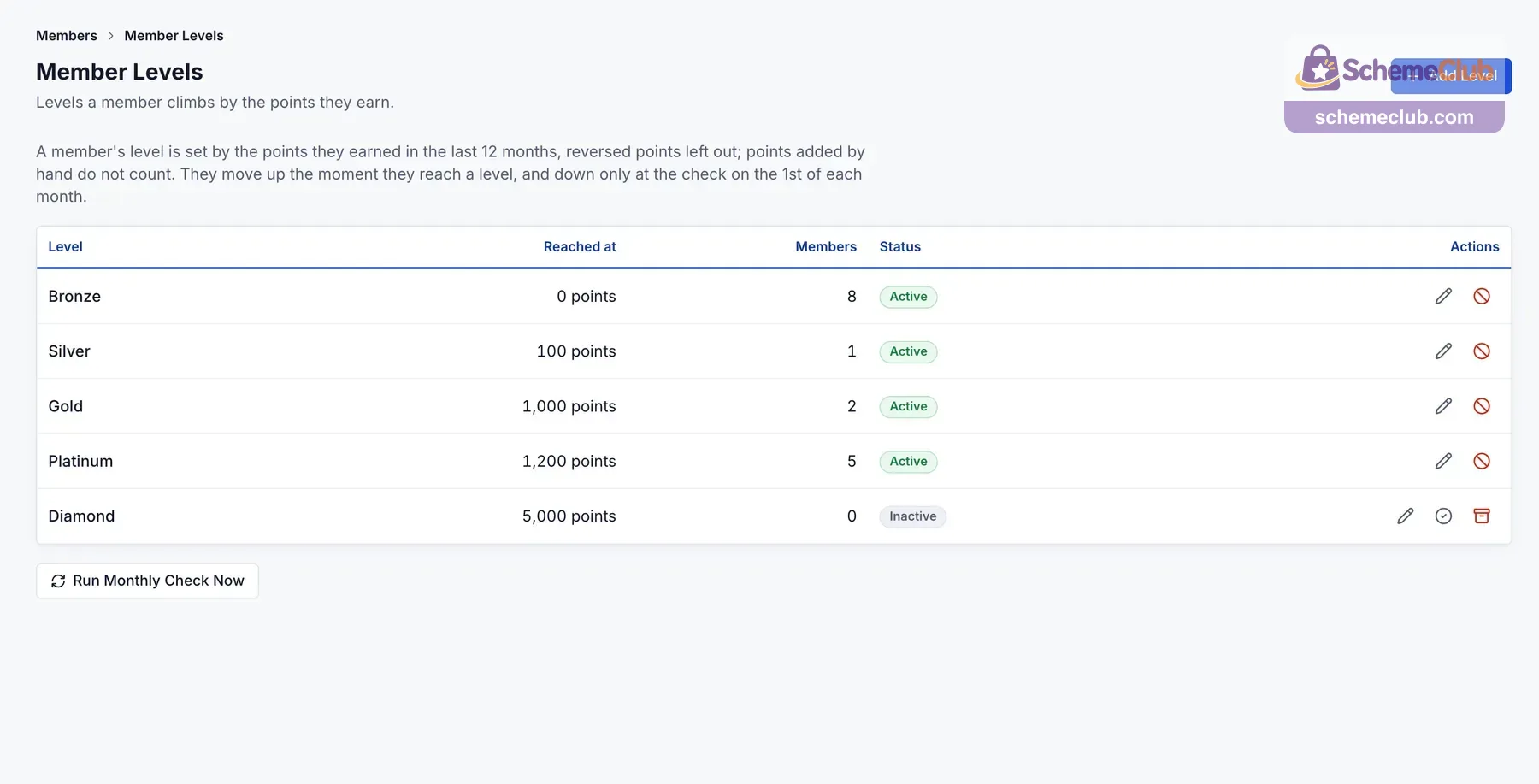
Loyalty program tiers for your best buyers
Member Levels is an extra feature that we switch on.
Rewarding features
Members use their points for gifts from your own list. With UPI Payouts switched on, they can ask for cash too. TDS is recorded for what you give.
Reward Catalogue
List your gifts and handle each request from approval to delivery. Read about Reward Catalogue.
UPI Payouts
Extra feature. Pay cash for points by payout provider or bank file. Read about UPI Payouts.
TDS
Keep a TDS record by PAN and quarter for gifts and cash. Read about TDS.
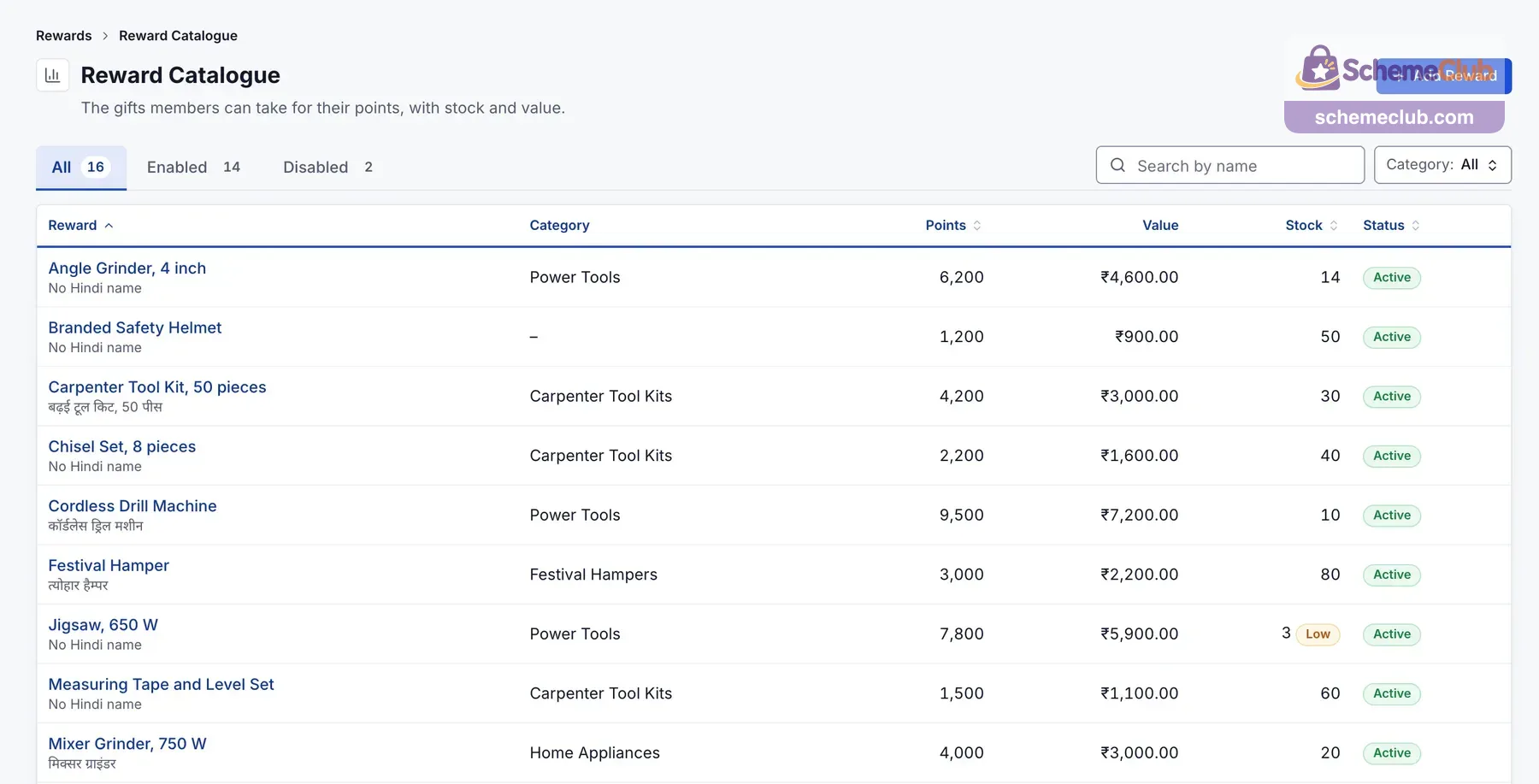
Loyalty program rewards that you choose
Each gift with its points, value and stock.
Reaching features
Members use a web page with your name on their phones. Your announcements show there, and with Messages you can also send them by SMS or WhatsApp.
Member Portal
A member page with your name, where members scan, see points and ask for gifts. Read about Member Portal.
Messages
Extra feature. Send announcements by SMS or WhatsApp on your approved texts. Read about Messages.
White Label
Your name, logo and colours. A store app in your name is a paid add-on. Read about White Label.
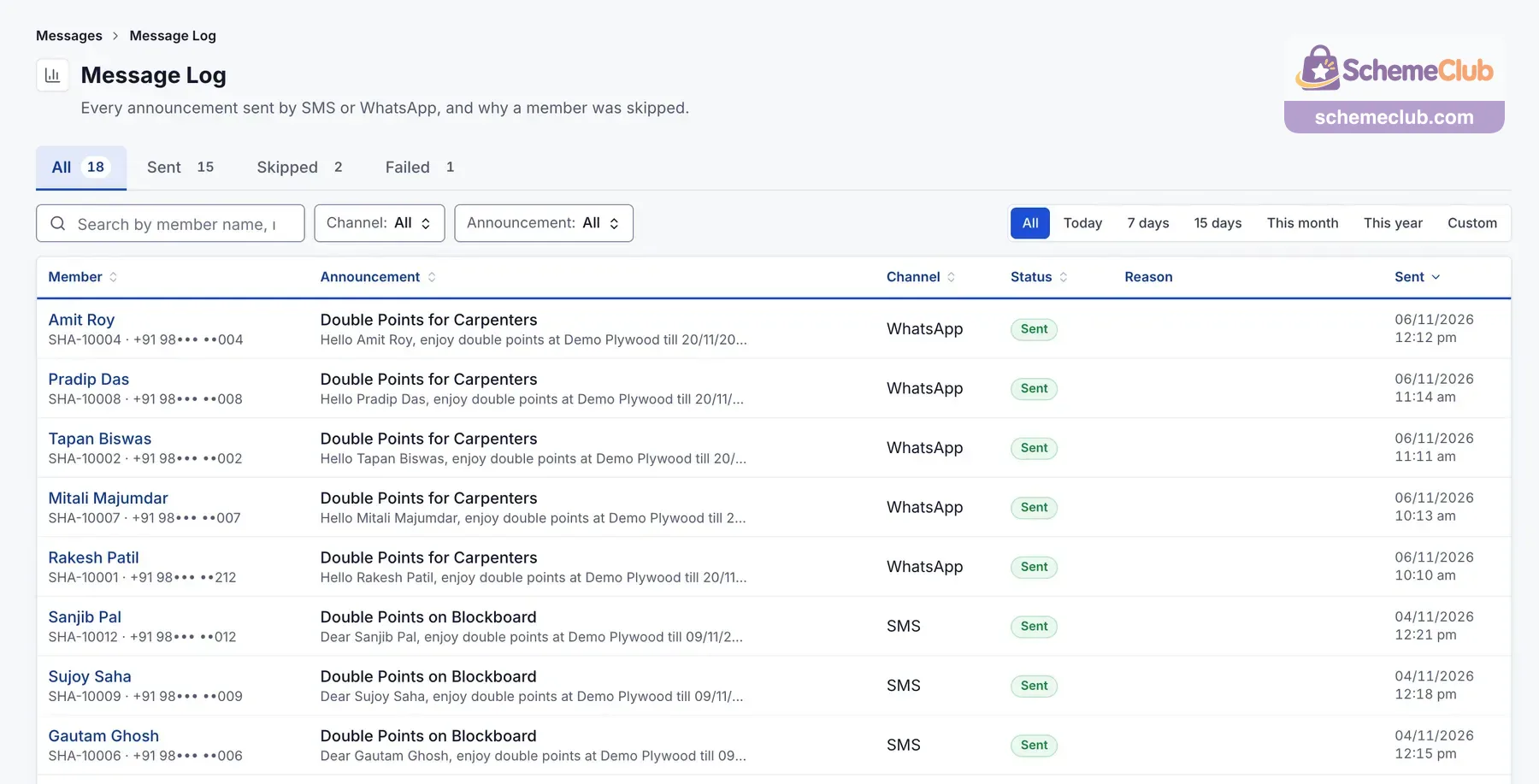
SMS and WhatsApp loyalty messages in one log
Messages is an extra feature. Each send shows its channel and status.
Running features
Your own team runs the program from a work screen. Each person gets only the permissions that you give, and reports show what happened.
Staff Roles
Give each person on your team one role with the right permissions. Read about Staff Roles.
Reports
See lists for each part of your program, and download them. Read about Reports.
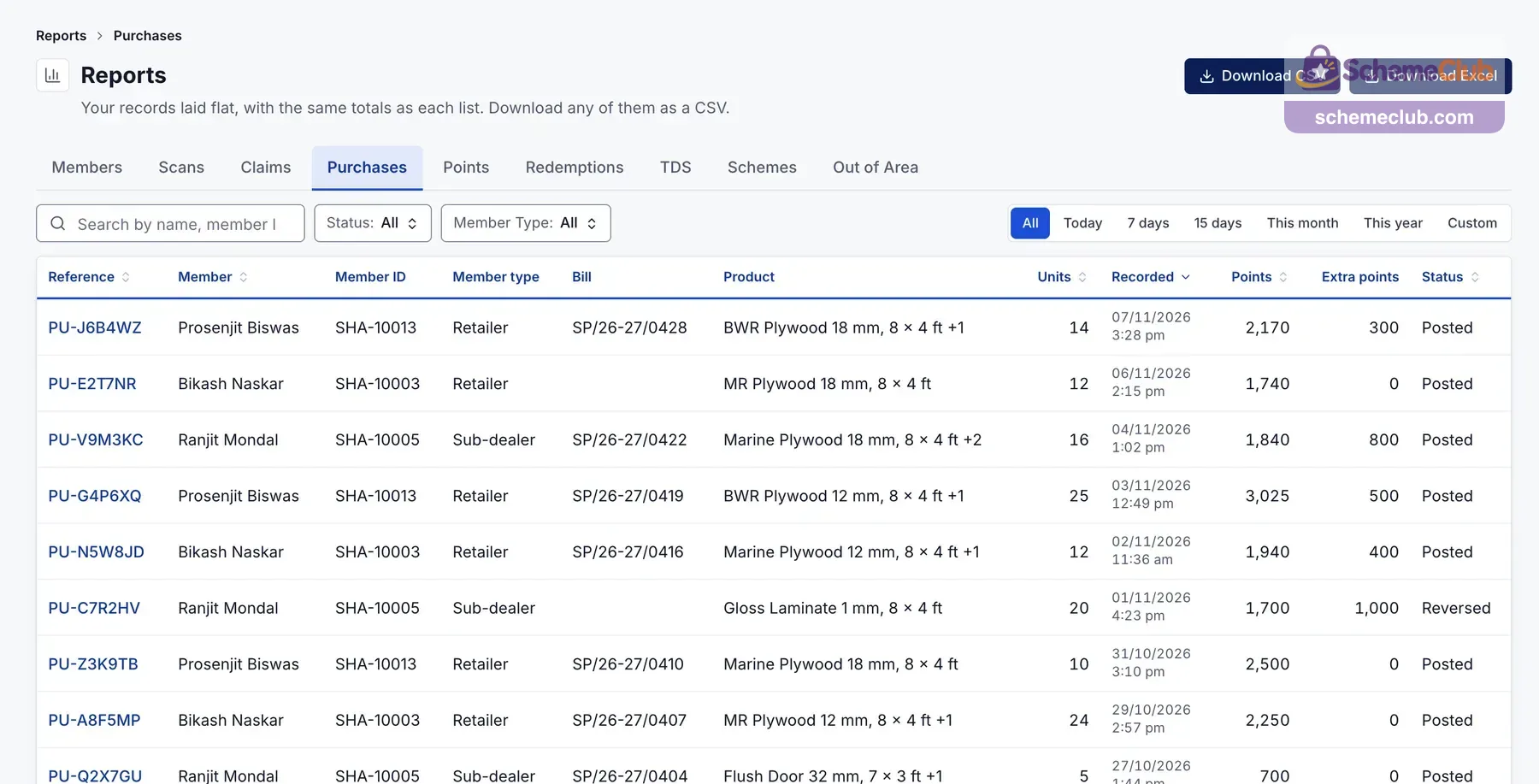
Loyalty program reports with Excel download
Open the tab for an area, filter it and download.
Core and extra loyalty program features
Core features come with every SchemeClub program. An extra feature is one that we switch on for your program when you need it. In the lines above, "Extra feature" marks each of these.
Every program also has help requests from members, announcements, banners, FAQs and legal pages. If we switch a feature off, its pages hide, and its records are kept.
SchemeClub works for every trade. See all businesses.
Frequently asked questions
Channel loyalty program features: your questions
About what you get.
They are the parts that let a business run rewards for shops, dealers and workers: joining, earning points, rewards, messages and reports.
Member Joining, KYC Checks, QR Codes, Product Points, Reward Catalogue, TDS, Member Portal, White Label, Staff Roles and Reports. A store app is a paid add-on.
Yes. Ask us, and we switch it on for your program. Some extra features need another one, such as QR Cashback, which needs UPI Payouts.
No. Start with what you need. Extra features that are off do not show in your menus.
See the features on one screen
In a free demo, we walk through the parts that your business needs.
From the blog


