

Your own member page
Channel loyalty portal for your members, in your name
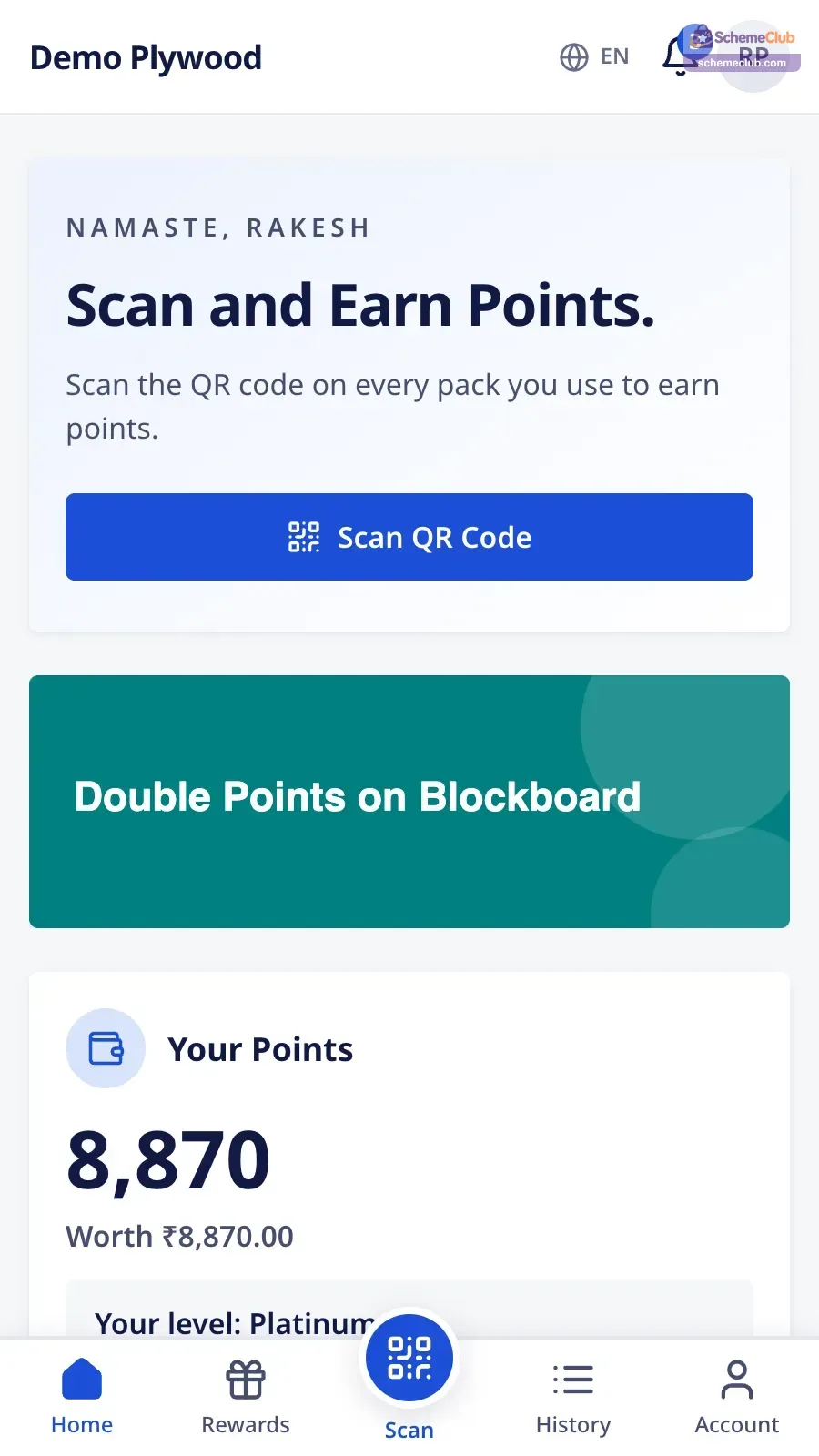
Channel loyalty portal on your member's phone
The scan button, points balance and running offers on one screen.
A channel loyalty portal in your name
The member portal is part of every SchemeClub program. Your members see your business name, logo and colours. It runs on a free web address that we give you. We can also set up your own, such as rewards.yourcompany.in.
It is made for the phone first. Members sign in with their mobile number, using a PIN or a code by SMS. They can read it in English or Hindi.
No app store needed
The portal opens in the phone's browser. A member can also add it to the phone's home screen. Then it opens like an app, with your name and icon. There is nothing to download from an app store. The phone needs internet to use it.
What members do in the portal
Members see only what your program has switched on.
- Scan a QR code or type it, and see their scans
- See points earned and used, with each entry
- See gifts, ask for one and follow the request
- Send documents for KYC
- See purchases, send bill claims, see schemes and their level, if those features are on
- Ask for cash for points, if UPI Payouts is on
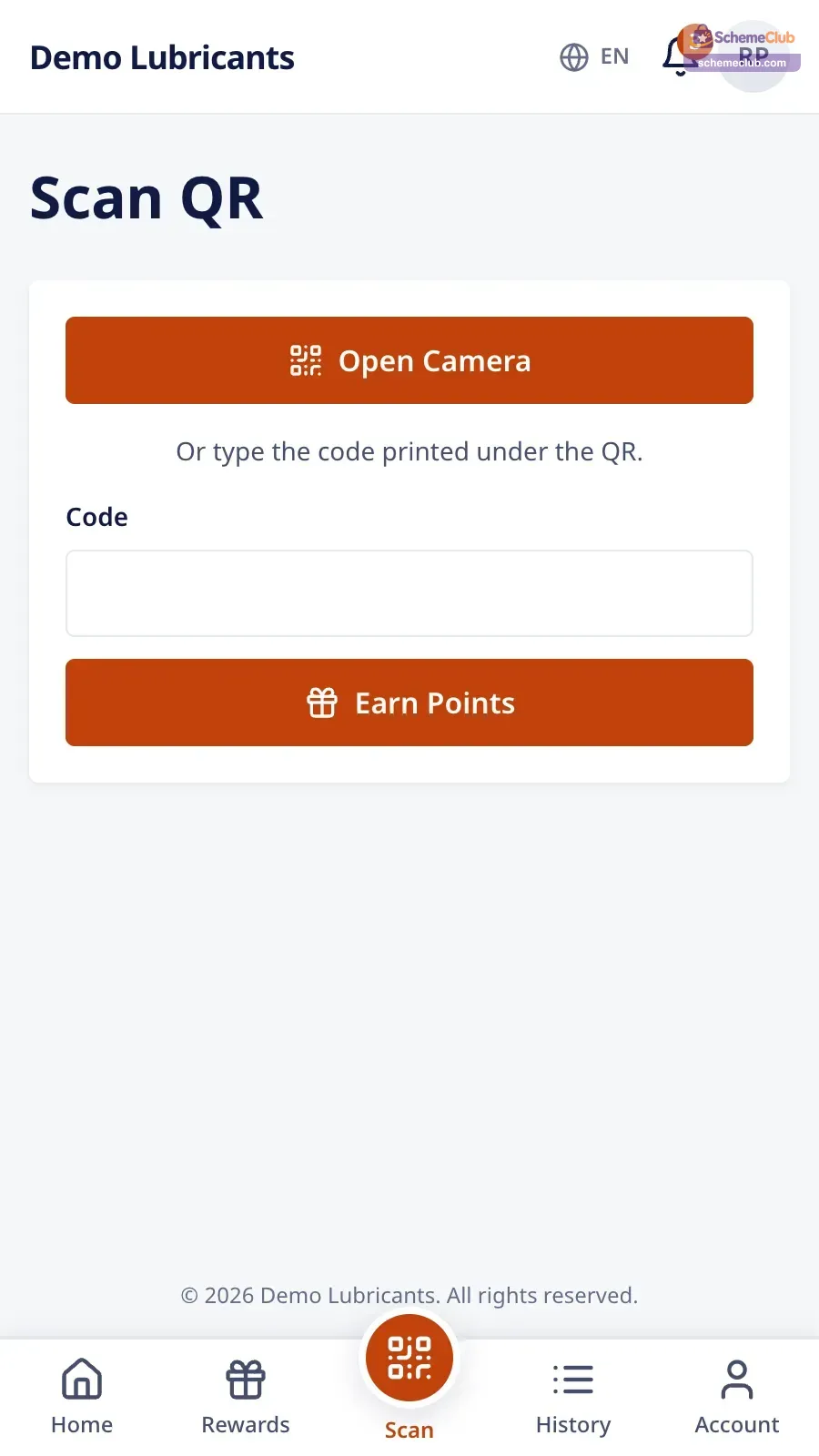
How members scan a QR code for points
They open the camera, or type the code printed with the QR.
Announcements and banners
Tell members your news: a festival offer, new stock or a holiday. You write an announcement with a start date and an end date, for all members or for chosen member types. It shows only between those dates.
You can also add picture banners to the first screen of the portal, and set their order. To send news by SMS or WhatsApp too, we switch on Messages, an extra feature.
Notifications for each member
A bell on the portal shows how many notices are unread, such as points added or a gift sent. The member taps a notice to open what it is about.
Help requests and common questions
A member can ask your team a question about points, scans, gifts, their account or something else. Your team answers in the same thread, and the member is told. Either side can close it. A member can have up to 5 questions open at a time. The help page can also show common questions with answers.
Features that work with the Member Portal
To post your news, read the help guide: Announcements.
SchemeClub works for every trade. See all businesses.
Frequently asked questions
Channel loyalty portal: your questions
About the member page.
It is the page where the people who sell or use your goods see their points and use them. In SchemeClub it carries your business name.
No. It opens in the phone browser. They can add it to the home screen if they like.
No. The phone needs internet to use the portal.
No. The member page shows your business name, logo and colours, not ours.
Yes. Each business has its own program, with its own sign-in and points.
See your member page on a phone
In a free demo, we open the portal on a phone and show what your member sees.
From the blog


